
VINELink Scotland County Coverage
North Carolina's official automated notification program is NC SAVAN, reached by most people through VINELink. The North Carolina Department of Adult Correction search page connects to NC SAVAN. It lists county jail inmates and state prisoners. Probationers, parolees, and registered sex offenders round out the covered categories.
That statewide description shows what the program is built to track. Scotland County has no durable dedicated page. Nothing promises the Detention Center feed is live at every moment. Treat VINELink as the official statewide service, then confirm any matched record. A blank result points back to the sheriff's office. Try the jail or the court as well. It does not mean no arrest occurred.
The VINELink home search displays the public entry point used for North Carolina custody checks.
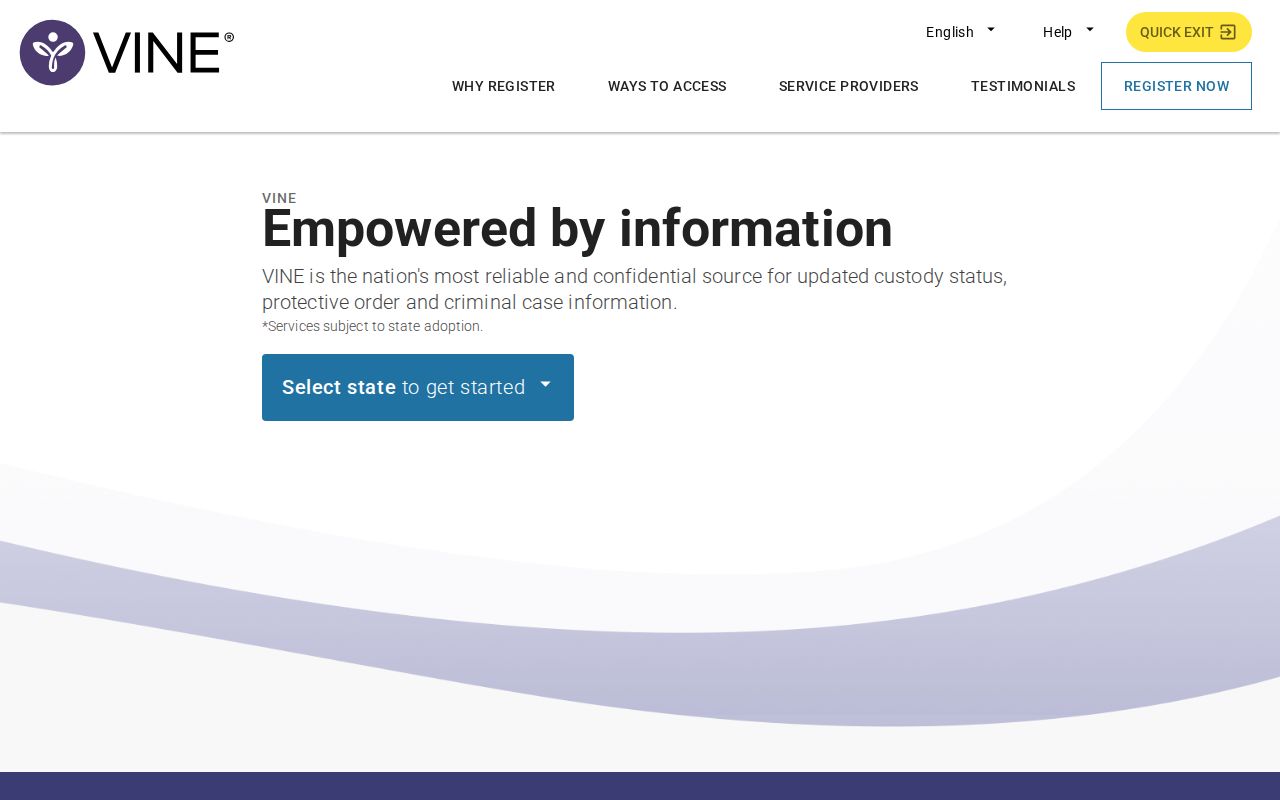
The search opens on a nationwide interface. Pick the state and match the identity before trusting any result.
Run a Scotland VINELink Check
Enter enough detail to separate people with similar names. The live application's controls can change. Follow its current labels instead of an old screenshot. A partial-name search may return several matches.
- Open VINELink and select North Carolina.
- Choose the county or custody category offered by the live interface.
- Search by full or partial name, or by offender or booking ID when available.
- Compare the result's name, facility or jurisdiction, custody state, and status dates.
- Open only the matching record and read its source labels.
- Use the notification action on that record if alerts are needed.
- Confirm urgent facts with the Scotland County Detention Center.
A VINE result is a custody-notification record, nothing more. It does not settle the final charge or the court outcome. Turn to the Scotland County recent-arrests sources for the booking record. Use North Carolina eCourts for the case path. For an arrest within the past day, the official last-24-hours admissions view may show it. A custody transmission to VINE can lag behind.
Scotland VINELink Status Fields
Exact fields vary by agency and interface. Identity, custody status, facility, identifiers, and status dates form the core items. Never guess at a missing field.
| VINE item | What it can answer |
|---|---|
| Name | Helps identify the matched person; compare other details. |
| Custody status | Indicates the status supplied by the participating agency. |
| Facility or jurisdiction | Shows which custody source is reporting the record. |
| Offender or booking ID | Distinguishes similar names when the identifier is available. |
| Status date | Shows a reported custody event date, not necessarily a court date. |
| Notification action | Starts registration from the matched record. |
A "Released" flag marks a reported custody change. It says nothing about dismissal or acquittal. A transfer can shift someone from the Scotland County Detention Center to another agency while the criminal case moves forward. Probation and parole are community supervision imposed after court action, not county-jail confinement.
VINELink makes no booking-photo promise. It is not a mugshot database. The Scotland County sheriff roster does not guarantee an image for every result either.
Register for NC SAVAN Alerts
Registration starts from a matched offender result. That makes the path dynamic, with no durable Scotland County registration URL. NC SAVAN's official material lists phone, web, mobile-app, text, email, and TTY access, and the available methods can shift within the interface.
- Open the correct matched custody record.
- Select its registration or notification option.
- Choose phone, email, text, TTY, or another method currently offered.
- Enter the requested contact information accurately.
- Create or confirm the PIN or account detail required by the live flow.
- Save the confirmation and keep contact information current.
- Follow the prompt to acknowledge or confirm a notification when required.
Phone alerts may ask for a PIN. The PIN confirms the notice reached the right person. Guard it. Update your registration whenever a phone number or email changes. The old route will not forward. Where the interface allows, stack more than one notification method for backup. The VINELink application interface documents the dynamic service route for searches and alerts.
Registration options appear only after a valid match. Keep private contact details out of screenshots or public posts.
Anonymous Scotland Custody Notifications
The official NC SAVAN program flyer calls the service free and anonymous. The offender is never told who searched or registered. That privacy sets it apart from public social-media activity. NC SAVAN fits a person who needs direct notice of a Scotland County custody change.
North Carolina lists 1-877-NC-SAVAN, or 1-877-627-2826. Victim Support Services appears at 1-866-719-0108. These lines handle notification and program support. They cannot replace 911 in an emergency, legal advice, or a certified custody record.
Scotland VINELink Limits
VINE relies on data from participating agencies. A new Scotland County booking can lag when intake or transmission is incomplete. Records may go missing because of law, policy, identity mismatch, or a technical interruption. A no-result screen does not prove no arrest. It should never override the official booking portal or jail confirmation.
VINE offers no full booking record, booking photograph, warrant answer, or case disposition. It may report a release or transfer without explaining the court event behind it. For current county custody, use the SCSO Inmate Search gateway and Citizen Connect Current Confinements. For a fresh admission, try Last 24 hours. For an official preserved record, call SCSO Records at 910-277-3167.
The Scotland County Detention Center's stable phone is 910-277-3166. The sheriff's main line is 910-276-3385. Ask the office to verify the responsible record. Do not rely on a private copy for current status. SCSO's own gateway warns that information changes quickly. Some people may be excluded from public results.
Choose the Correct Custody System
Match the tool to the custody stage before you search. Citizen Connect handles Scotland County booking details and current confinement. VINELink, run through NC SAVAN, tracks custody status. It also sends change alerts. The NC DAC offender search covers state prison and supervised offenders. The state itself says it is not a county jail roster.
| Question | Best first source |
|---|---|
| Was the person just booked? | Citizen Connect Last 24 hours |
| Is the person shown in county jail? | Citizen Connect Current Confinements |
| Can I receive custody-change alerts? | VINELink / NC SAVAN |
| Is the person in state prison or supervision? | NC DAC offender search |
| Is the person in federal prison? | Federal Bureau of Prisons locator |
| Is the person in immigration custody? | DHS/ICE Online Detainee Locator |
VINELink never replaces federal custody tools. A blank result can simply mean the person sits in a different system, so confirm the holding agency before you retry spellings or assume a release.
Scotland Alerts Serve Different Jobs
The Scotland County Sheriff's Office lists no standalone jail app. Its Citizen Connect alerts push BOLOs, road notices, missing and wanted persons, and prior-day events. The SCSO social hub rounds up the agency's news channels. Neither one guarantees a full booking feed or a personal release notice.
NC SAVAN wins for custody changes. You need a matched person first. Citizen Connect wins for live Scotland booking and confinement views. Social posts are just public updates. Keep the jobs separate. Do not read a general alert as proof of an arrest. Nor should silence be read as proof that nothing changed in custody.
VINELink Arrest Record Accuracy
Check the person's identity first. Then verify the reporting facility and the status date. Court records, not custody listings, hold the disposition. Treat any booking photo in a separate official source with plain caution rather than proof. This resource hosts no mugshot gallery at all. It also relies on no third-party booking copies as custody authority. A VINE notice tracks custody, nothing more.